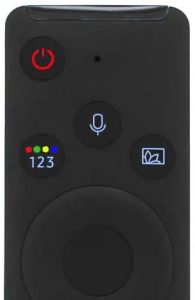
 First, please turn on the Samsung TV with the Samsung remote control. Press the “Power” button in order to turn on the TV.
The power button is the left button on top with the “Power” symbol. Press the button once and wait until the TV is running properly.
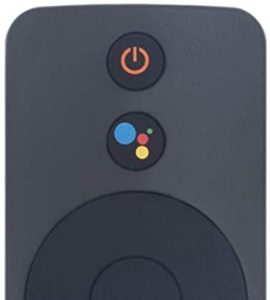 In the second step, please use the Xiaomi remote control and press the “power” button.
The Xaomi device is starting within 5 seconds and the Xiaomi app should open automatically.
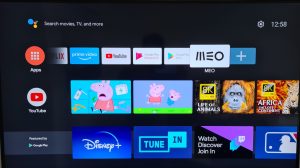 You should now see the Xiaomi app including all available apps:
- Netflix
- Youtube
- Prime
- MEO (TV)
In order to watch TV, you will need to start MEO app.